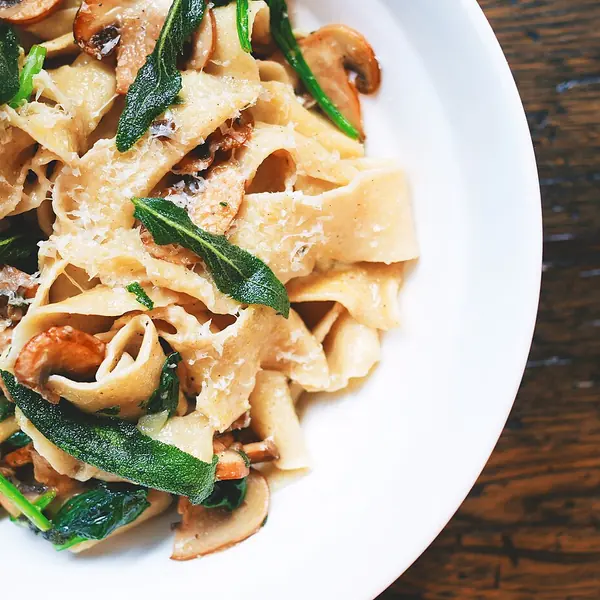
Food delivery in Sohag
Your favourite food, to your door
Discover your favourite restaurants, order easily and follow your order until it reaches your door with Wasl.
See how Wasl works

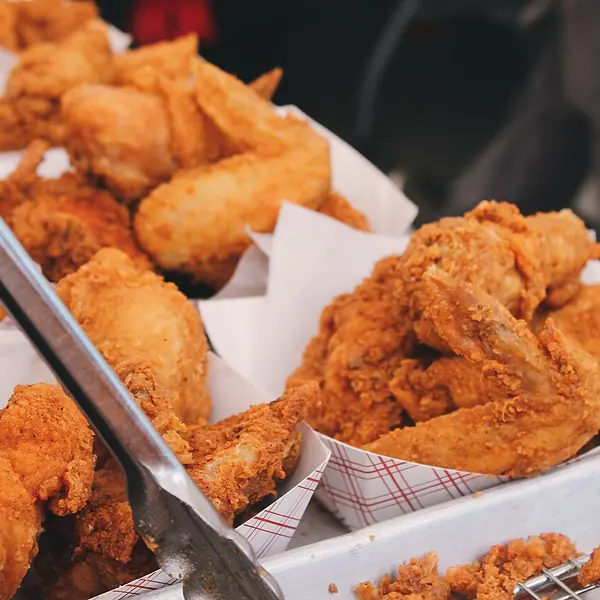
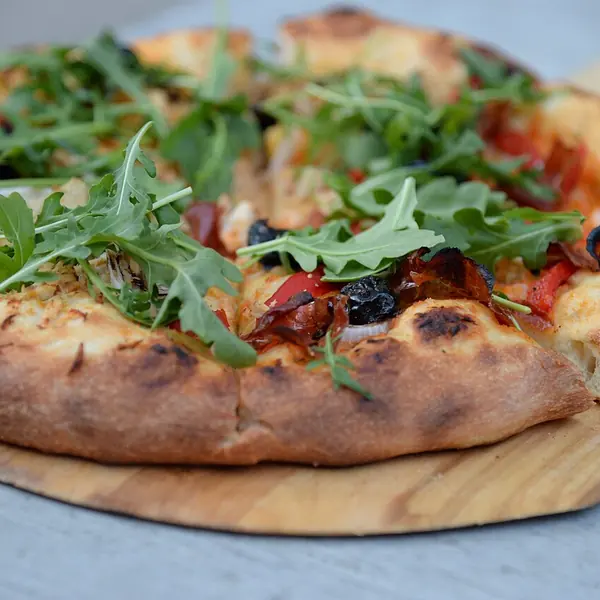

How it works
From your first choice to your door
Your Wasl order moves through clear steps, and you see every one of them.
Step 1
Discover restaurants
Set your address, see the restaurants available in your area and browse menus with prices and photos.
Step 2
Choose your food
Add items to your cart and pick sizes and add-ons where a dish has them.
Step 3
Confirm your order
Review the order and address, then confirm and pay on delivery.
Step 4
Follow your order
See its status as it changes: confirmed, being prepared, picked up. Once the rider has it, follow them on the map.
Step 5
Receive your food
The rider brings the order to the address you chose; you pay and enjoy.
From the restaurant to your door
Wasl connects restaurants, customers and delivery riders to make ordering easier.
- The restaurant preparesOnce the restaurant accepts your order, it starts preparing it.
- The rider picks it upA delivery rider collects the order from the restaurant and sets off.
- It reaches your doorThe order arrives at the address you chose while you follow its status.
Delivery time depends on distance, the restaurant and how busy it is; your order’s status updates in the app at every step.
For customers
Everything you love, closer to you
The Wasl app is built to make ordering food simple from the very first time.
Menus and prices up front
Every dish with its photo, price and add-ons before you order.
Follow your order
Its status as it changes, and the rider on the map once they have it.
Saved addresses
Save home, work and any other address and pick one in a tap.
Help inside the app
Live chat with our support team whenever you need it.

For restaurants
Own a restaurant? Let Wasl bring your food to more customers
Join the Wasl network, show your menu and receive orders through our platform.



Your menu online
Add sections, dishes, prices, photos and add-ons.
Receive and manage orders
Accept, prepare and hand orders to the rider, from the web dashboard or the store app.
Offers and coupons
Create discounts and coupons for your customers from the same dashboard.
Clear reports
Follow your orders, sales and customer reviews.
How to join
- Register your restaurantFill in your restaurant’s details and area on the sign-up page.
- ReviewThe Wasl team reviews every application before the restaurant goes live.
- Start receiving ordersOnce approved, sign in to the dashboard, add your menu and start.
For delivery riders
Be part of the Wasl journey
Join the delivery team and help bring orders to our customers.
How to join
- Get the Wasl rider appYou sign up inside the app.
- Enter your detailsYour name, mobile number, area and vehicle, and a photo of your ID or driving licence.
- Review and activationThe Wasl team reviews your application; once approved you start receiving delivery requests.
From Sohag
Wasl, close to you in Sohag
We are starting in Sohag, and our aim is to make ordering your favourite food easier, from the first choice to your door.
Delivery areas grow in stages. Set your address in the app and you will see straight away whether we deliver to you.
FAQ
Questions?
What is Wasl?
Wasl is a food-delivery platform connecting customers with participating restaurants and delivery riders, starting in Sohag.
How do I order with Wasl?
Get the app and set your address, pick a restaurant and add dishes to your cart, then review your order and confirm it.
Does Wasl cover all of Sohag?
We are starting in Sohag and delivery areas grow in stages. When you set your address in the app you will see whether we deliver there.
Which payment methods are available?
For now, cash on delivery only.
How can I add my restaurant to Wasl?
Register on the restaurant sign-up page. The Wasl team reviews your application; once approved you can add your menu and receive orders from the dashboard or the store app.
How do I become a delivery rider?
Get the Wasl rider app, enter your details and upload a photo of your ID or driving licence. The Wasl team reviews it, and once approved you can start.
How do I contact customer support?
For a problem with an order, open it in “My orders” and contact the restaurant or the rider. For customer support: Live chat in the app, or email [email protected]. There is also a help and support page.
Ready to order with Wasl?
Choose your food, order easily and let Wasl bring it to your door.